Draft for team review. Not live.

Your company's cybersecurity team

Cybercriminals have org charts now. Put smart tools and real people between them and your company.

For over 20 years, we've guarded the Titans of industry. Now, with the same tools and people, we can guard your team's computers and email, and back up every file your company keeps in the cloud.

You're the Titan. We're your guards.

$50 per person per month, billed yearly. Or $60 month to month.

No setup fee. No minimum. No long-term contract. 30-day full refund.

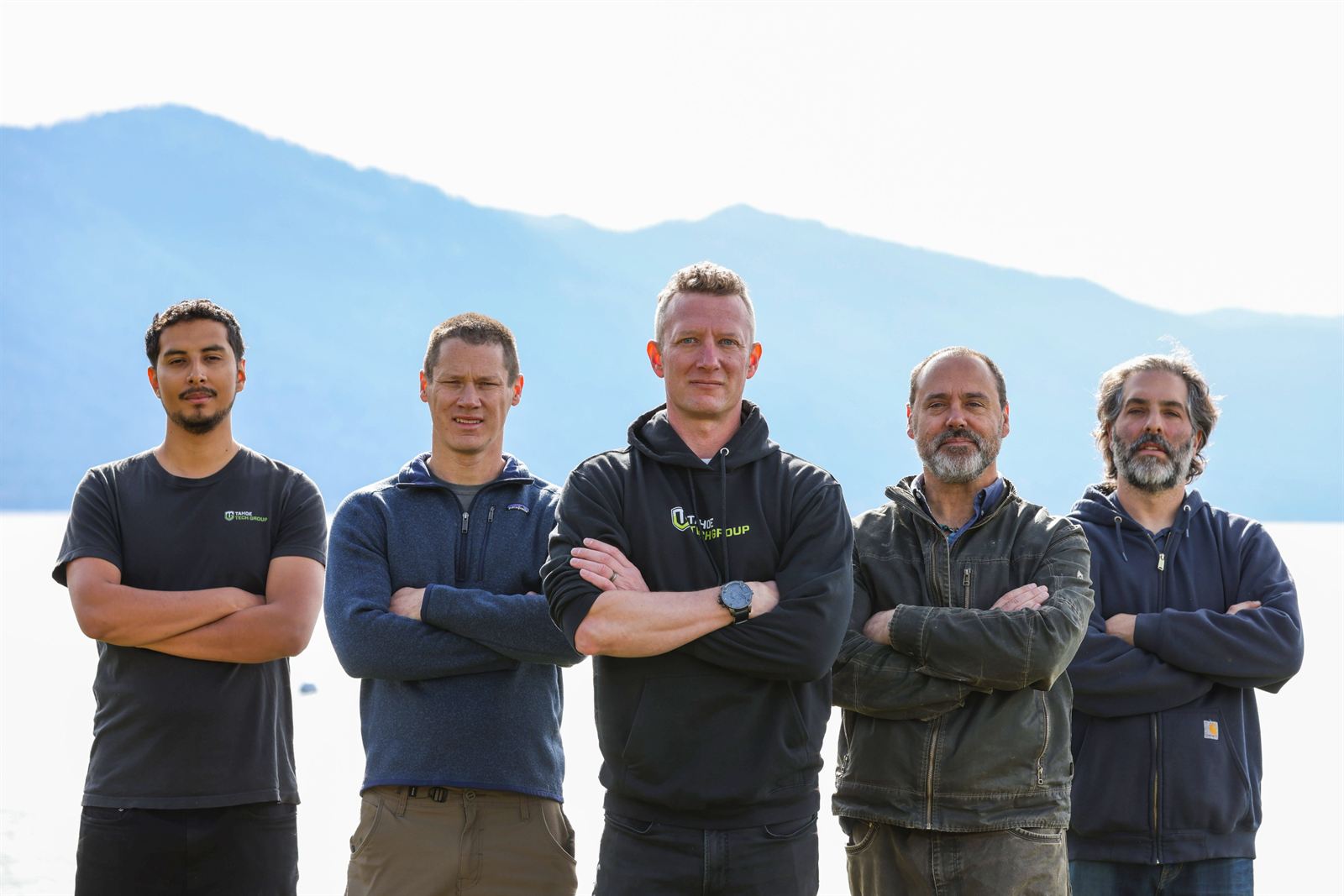
The Titan Guards team, five people standing arms crossed on the shore of Lake Tahoe

No client has ever been breached under our protection.

Our client record, since 2003

Real people guard your company around the clock and shut down attacks on the spot.

Security analysts in Florida and Ireland, supporting our Tahoe team

The Titan Gap

Your company isn't up against a hacker. It's up against another company.

They work in teams.

Forget the hacker in a hoodie. Today's attackers show up to work with bosses and payroll. Some write the fake emails. Others test which version gets the most clicks, then send more of it.

They've studied your org chart.

LinkedIn shows them who's in charge and who approves payments. AI learns how your boss writes from posts and public pages, then writes an email in that voice. Work that used to take months now takes seconds.

A company with nothing guarding its email lost $78,000 to one of these. They're a client of ours now.

Now you can put a team against theirs.

Smart tools with real people behind them used to be something only big companies could afford. We've packaged those same tools with a team on guard 24/7, at $50 per person per month.

Look at this if

Most small businesses are guarded like this.

  • Your security is whatever came with the computer and the email.Maybe antivirus, maybe a spam filter. A fake invoice sent from a real vendor's email gets right past both.
  • You have protection, from a patchwork of vendors.Each tool sends its own alerts to its own dashboard. Nobody connects them, so an attack that shows up a little in each one looks like nothing.
  • Your files live in SharePoint or Google Drive, so everyone assumes they're backed up.They sync. When ransomware or one bad delete hits a folder, every copy changes with it.
  • Your IT person is also your security person.Great, until an attack starts at 2 a.m. and they're asleep.
  • The cyber insurance form asks questions you can't answer.You tick the boxes and hope nobody checks.
  • Security keeps sliding down the list.Payroll, clients and hiring always feel more urgent than a risk you can't see.

You built something worth protecting. It deserves to be guarded like a big company.

How guarded are you?

Six questions. 60 seconds.

You don't know what you don't know. These six questions show you.

Answer for your provider, or for yourself if you don't have one. "I don't know" counts as an answer, and your answers stay on this page.

What you get

What guarded looks like.

Every person on your team gets all five.

  • Computers

    AI-powered tools stop attacks on every computer, with people on guard around the clock.

  • Email

    AI checks every email and stops fake invoices and impersonators before anyone reads them.

  • Backup

    Unlimited backup of your company's entire SharePoint, OneDrive or Google Drive.

  • Passwords

    When your team's passwords leak, we find out and tell you, so you can change them.

  • Training

    Short lessons and practice phishing tests.

  • All five

    For every person, every month, on the yearly plan.

    What it takes to do this yourself

We won't bury you in acronyms. If you want the brand names and the audit reports, they're right here.

Talk nerdy to me
Computers
Datto RMM and Datto EDR, by Kaseya. Kaseya MDR analysts handle alerts day and night.
Email
Check Point Harmony Email & Collaboration, Complete Protect package.
Backup
Axcient x360Cloud, for SharePoint, OneDrive and Google Drive.
Passwords
Leaked credential alerts from Check Point Harmony.
Training
Security awareness training from Check Point Harmony.

Each vendor publishes its own audit reports. See the audits and what each one covers

Who it helps

Guarded from the owner's desk to the newest hire's laptop.

If you own the company

You know security needs to be handled. Now it is. When a client or an insurer asks how you're protected, you have a real answer.

If you're the one choosing

Maybe you run the office, or IT landed on your desk. We find trouble and handle it before you'd ever notice, and you have a plain answer when the owner asks if you're covered.

If you work there

Your inbox stays clear of fakes, and your laptop at home is covered too. If you click the wrong thing, a team is already on it, and you get help right away.

The call that started Titan Guards

Her work computer was guarded. Her laptop at home wasn't.

This is the call that started Titan Guards.

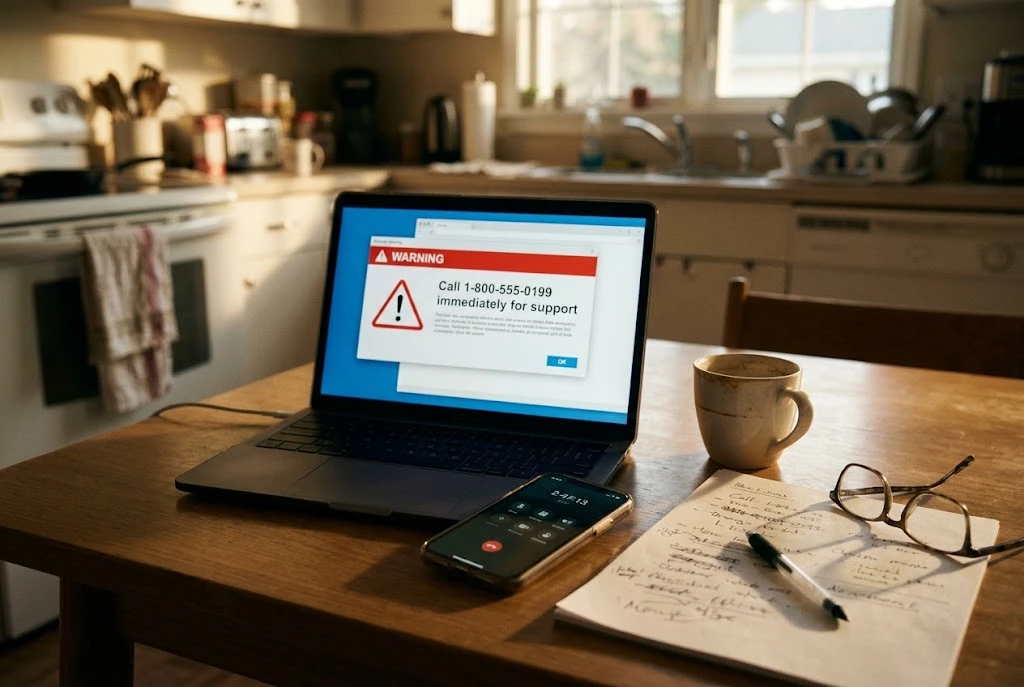
A laptop on a kitchen table showing a fake security warning with a phone number, a phone beside it on a long call
  1. One afternoon

    A call for help, before Titan Guards existed.

    Company policy protected her work computer. Her laptop at home was never considered. One click on that laptop took her to a fake Apple warning with a real phone number. A real person picked up.

  2. The next few hours

    A whole team was on the line.

    Each call handed her to someone new, from her "bank" to "federal agents," each one more convincing than the last. They had an answer for every objection she raised.

  3. By the end of the call

    They walked her through sending the money.

    She sent them $86,000. The money never came back.

  4. That night

    What kept us up.

    Her company had done the right thing. Her work computer was guarded. The attackers went through her home laptop instead, which nobody was guarding.

That call is why Titan Guards covers every person on two computers, home included.

Why trust us

Our clients could leave any month. Many have stayed for 20 years.

No contract keeps anyone here. We earn the business month to month.

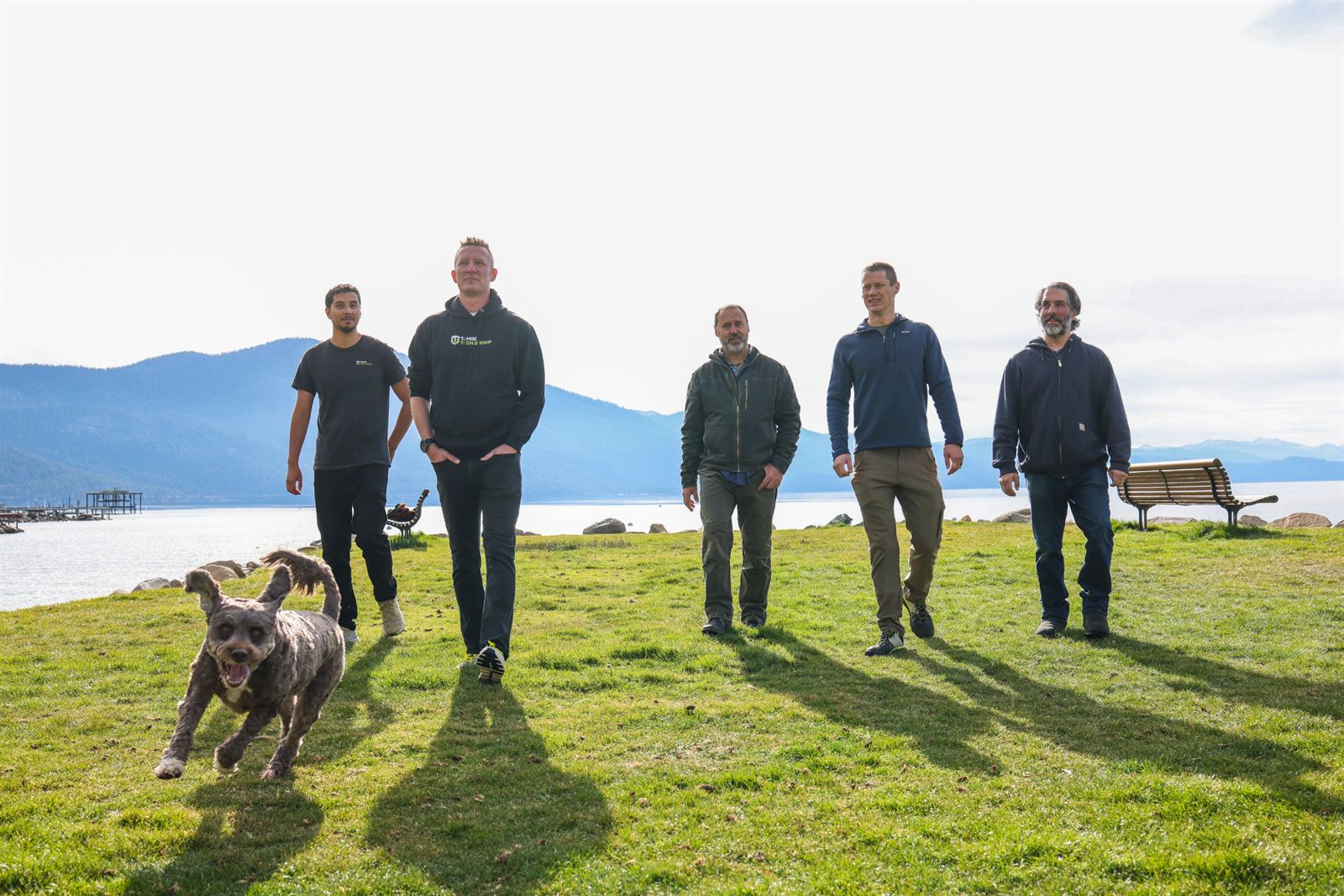
The Titan Guards team walking along the Lake Tahoe shore, a dog running ahead

Over 20 years

Protecting the titans of industry, the people whose last names are on the companies you do business with. That's where our name comes from.

Connected to the whole industry

Threats and the tools that stop them change every week. Nobody keeps up with that alone, and we never try to. We compare notes with thousands of IT companies around the world, and every week with small groups of owners across the country. That's how we pick the best of the best, and why your team always has it.

The same team, coast to coast

Everything runs online. A company in Texas, New Jersey, Ohio or Oregon gets the same protection, from the same team, as the one down the road from us, with security analysts on guard around the clock.

“We used to wade through junk email and phishing attempts every day. Then they showed us the numbers: 430 junk emails and 67 phishing attempts in a single month. All of it pulled us away from our work. Now none of it reaches us, and we stay focused on our clients.”

Lara Pearson, Attorney, Brand Geek. Protected by the same tools every person we guard gets.

How to start

Sign up today. In a week, it's handled.

Your part takes about 10 minutes. We do the rest.

  1. −25+peopleStart now
    1

    Today, about 5 minutes

    Choose how many people and check out.

    Pick yearly or monthly. No setup fee and no contract.

  2. Installing Titan Guards
    2

    This week

    Forward one link to your team.

    Each person clicks it, and the app installs. Your email admin approves one connection on the standard Microsoft or Google screen. That's it. Email protection learns what's safe while you get back to work.

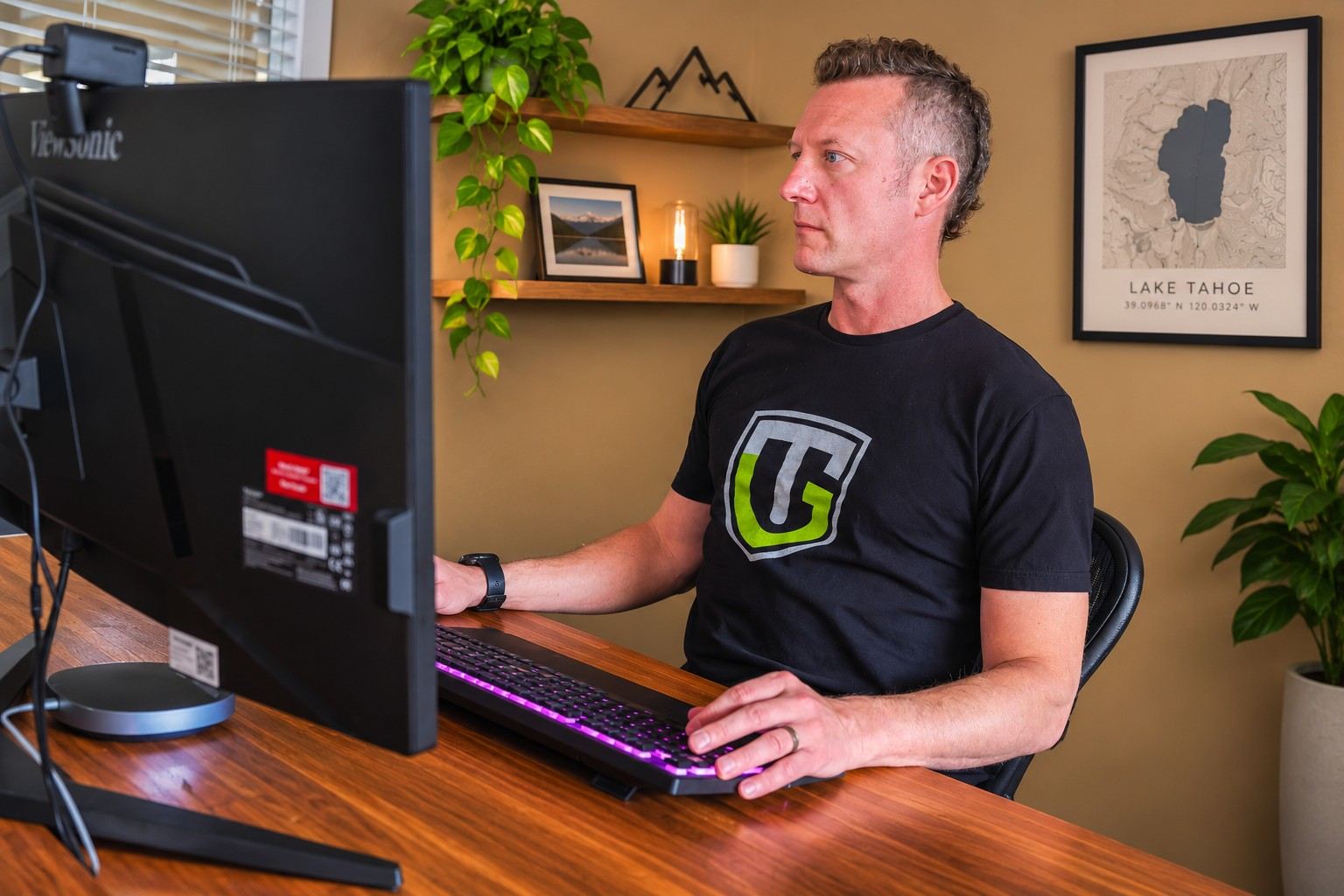
  3. A Titan Guards team member working at a desk in daylight
    3

    Day 7

    Every person is guarded.

    Computers are protected the moment the app is on. Email protection is fully on. We confirm everyone's covered. It's behind you.

Start now30-day full refund if it isn't right.

While you sleep

What happens at 3 AM.

Illustrative example

A laptop left on at your office starts locking files in the middle of the night. Here is how that night goes with your guards on shift.

The times show the order of events. They aren't a promised response time.

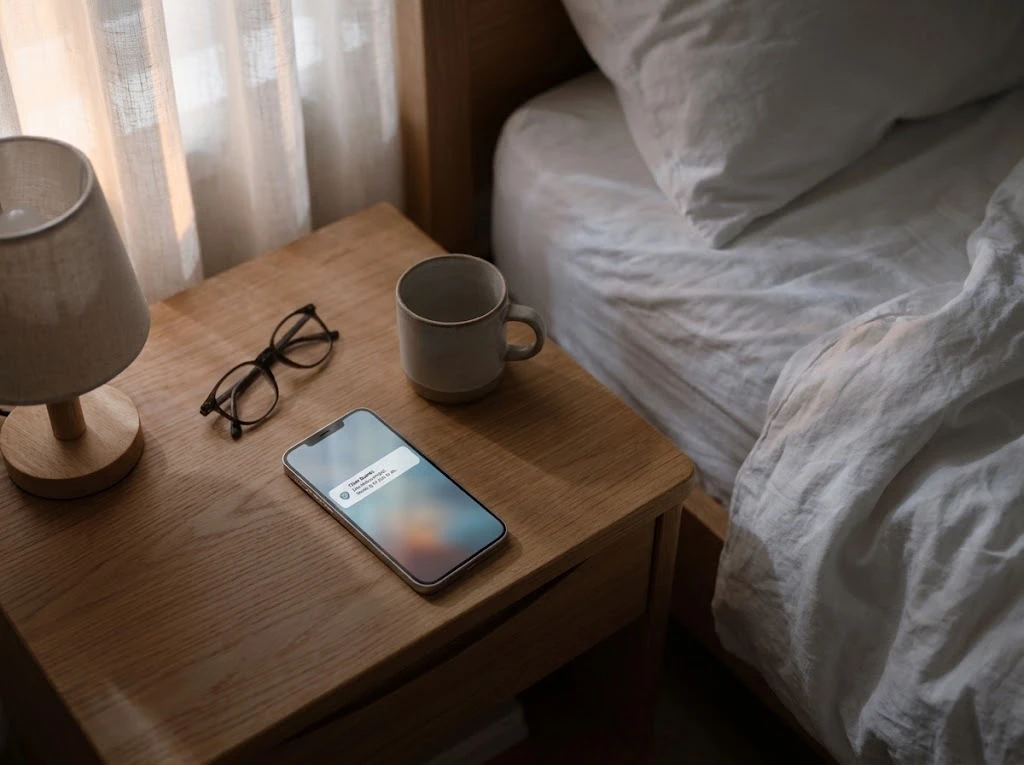
A phone on a nightstand in early morning light, showing one short notification

8:00 AM. One short note, waiting when you wake up.

  1. 3:02 AM

    A file starts locking documents.

    A program downloaded that afternoon wakes up and starts scrambling files on the laptop.

  2. 3:02 AM + 112 milliseconds

    The software stops it.

    It sees a program acting like ransomware, stops it, and cuts the laptop off from the network so nothing spreads.

  3. 3:05 AM

    A person on shift takes a look.

    The security operations team reviews what the software caught and hands it to ours.

  4. 6:30 AM

    The files come back.

    We roll the locked files back to how they were at 3:01 and check the laptop is clean before it reconnects.

  5. 8:00 AM

    You get a short note.

    It says what happened and that it's handled. There's nothing for you to do.

What you did that night: slept.

What changes

What changes when you're guarded like a big company.

Before

  • Built-in tools with nobody behind them, day or night
  • One IT person carries security, and nobody's up at 2 a.m.
  • The laptop at home sits outside the protection
  • Alerts and pop-ups land on your people's screens
  • A strange email gets forwarded around until someone finally decides
  • Nobody notices when a password leaks
  • The insurance form asks questions you can't answer

After

  • A security team guards every computer and inbox
  • Your business gets a full security team behind it, day and night
  • Each person is covered on two computers, home included
  • Alerts go to the team, and your people keep focus
  • Fake invoices and impersonation emails stop before anyone reads them
  • You hear the moment a password leaks, and it gets changed
  • Every question on the insurance form has a real answer

Security drops off your list, and you sleep through the night.

$50 a person. One price.

Everyone on your team, whatever its size. On the yearly plan, that's under $2 a person a day.

Doing this yourself means five vendors to set up and nobody on call at 3 a.m. See what it takes

One fake email cost a company with nothing guarding its inbox $78,000. They're a client of ours now.

people

$500 a month

10 people at $50 a month, billed yearly as $6,000

You save $1,200 a year compared to monthly.

That one $78,000 loss would cover your team for 13 years.

Try it for 30 days. If it isn't right, you get every dollar back. After that, cancel any time, and on a yearly plan we refund the months you didn't use. No setup fee, no minimum, no long-term contract.

Questions people ask

How many people do I need?

One person or thousands. There's no minimum and no maximum.

Who counts as a person?

Each person you protect, covered on up to two computers. Unlicensed shared inboxes like info@ are protected at no charge. Any mailbox Microsoft or Google bills you for counts as a person.

What do my people have to do?

Click one link you forward them, and the app installs. Your email admin approves one connection, and we handle the rest.

When does protection start?

Computers are protected as soon as setup finishes. Email protection spends about a week learning how your team works and who you trust, then we confirm and switch on full protection. At the end of that week, you get a short note confirming every person is covered.

We already have antivirus. Do we need this?

Antivirus works from a list of known threats, so a brand-new attack can slip past it. Our computer protection uses AI to check how every program behaves, and it stops anything acting like an attack, even one nobody has seen before. The industry calls this EDR. A team stands behind it too: when something trips at 2 a.m., real people can shut the attack down on the spot.

Our files are in SharePoint or Google Drive. Aren't they already backed up?

Most people assume so. SharePoint and Google Drive keep your files in sync on every device. So when ransomware scrambles a folder, or someone deletes one, that damage syncs everywhere too. The recycle bin only holds deleted files for a limited time, and Microsoft and Google both leave backups up to you. We keep a separate copy of all of it, with no storage limit, so we can bring your files back from before the damage.

Are we too small to be a target?

Researching a company used to take months, so only big ones were worth the effort. Now AI does it in seconds. Attackers go where it's easy, and a company with nothing guarding its inbox is easy.

My IT person handles security. Why add this?

Keep them. Your IT person gets a full security team behind them, so they can focus on everything else. Attacks don't wait for business hours, and one person can't be on guard around the clock.

Will you see what my people do on their computers?

No. The sites they visit and what they work on are none of our business. The software stops attacks, and nothing else. Covering the computer at home protects your people wherever they work.

I haven't heard of Titan Guards. Why trust you?

The name is new. The team isn't. Since 2003, we've protected the titans of industry, the people whose last names are on the companies you do business with. No client has ever been breached under our protection. No contract keeps anyone here, so we earn the business every month.

Will this help with cyber insurance?

Our cyber insurance section shows which controls we put in place for every person. Titan Guards doesn't include help with insurance applications. Ask us if you'd like help with that.

Can I cancel?

Yes, any time. Every plan starts with a 30-day full refund. After that, a monthly plan stops at the end of the month, and a yearly plan gets back the months you didn't use.
See all questions, and plain meanings for the terms we use

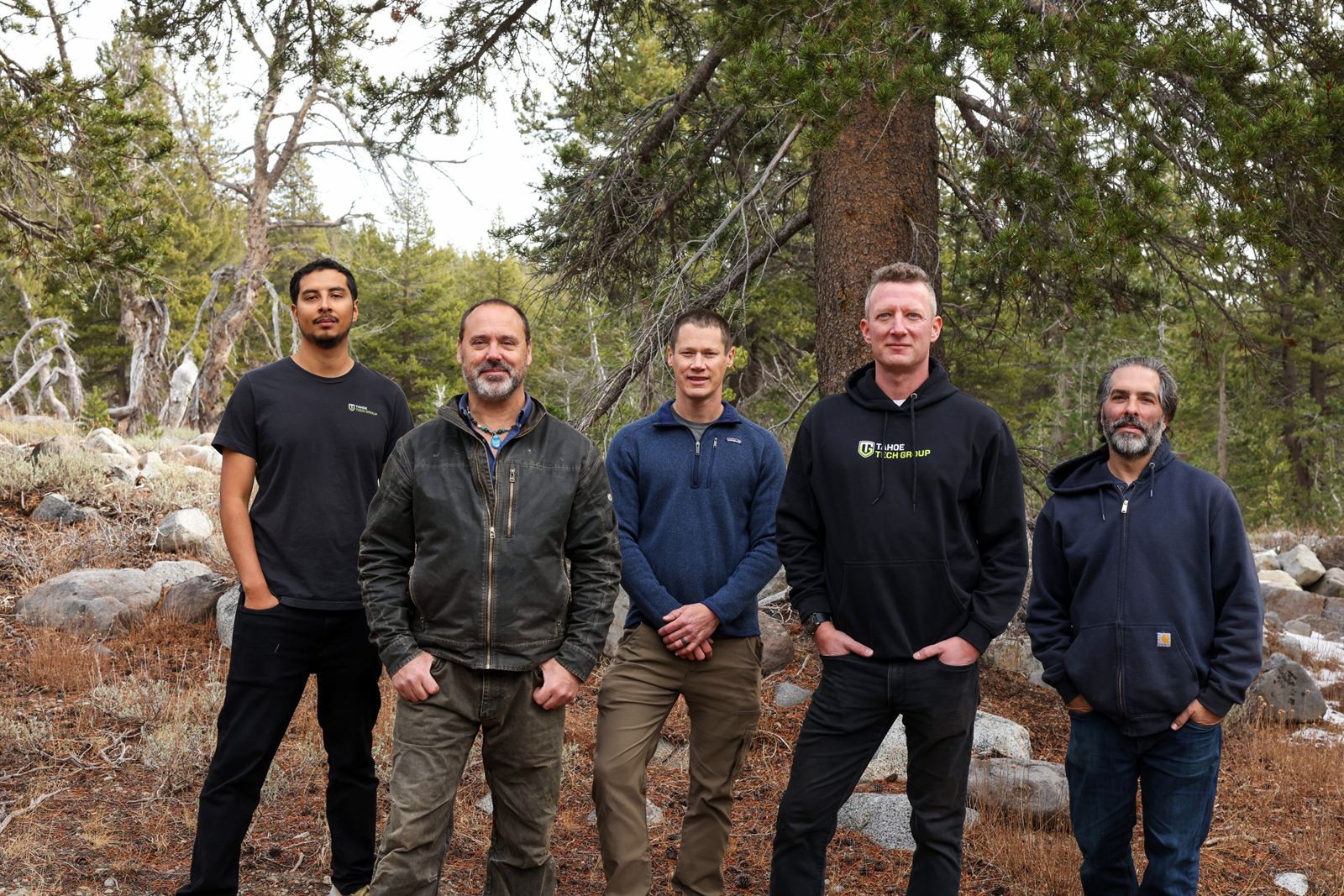
The Titan Guards team standing together in the woods near Lake Tahoe

Why Titan Guards

You're the Titan. We're your guards.

Guards is plural on purpose. You get a team of people backed by the best tools, never a piece of software you have to run yourself.

We're loyal to people, not products. When a better tool comes along, we move to it. If someone's mission is at risk, we stand guard.

You won't see us work. You'll always know we're there.

Every business deserves the protection big companies have.